
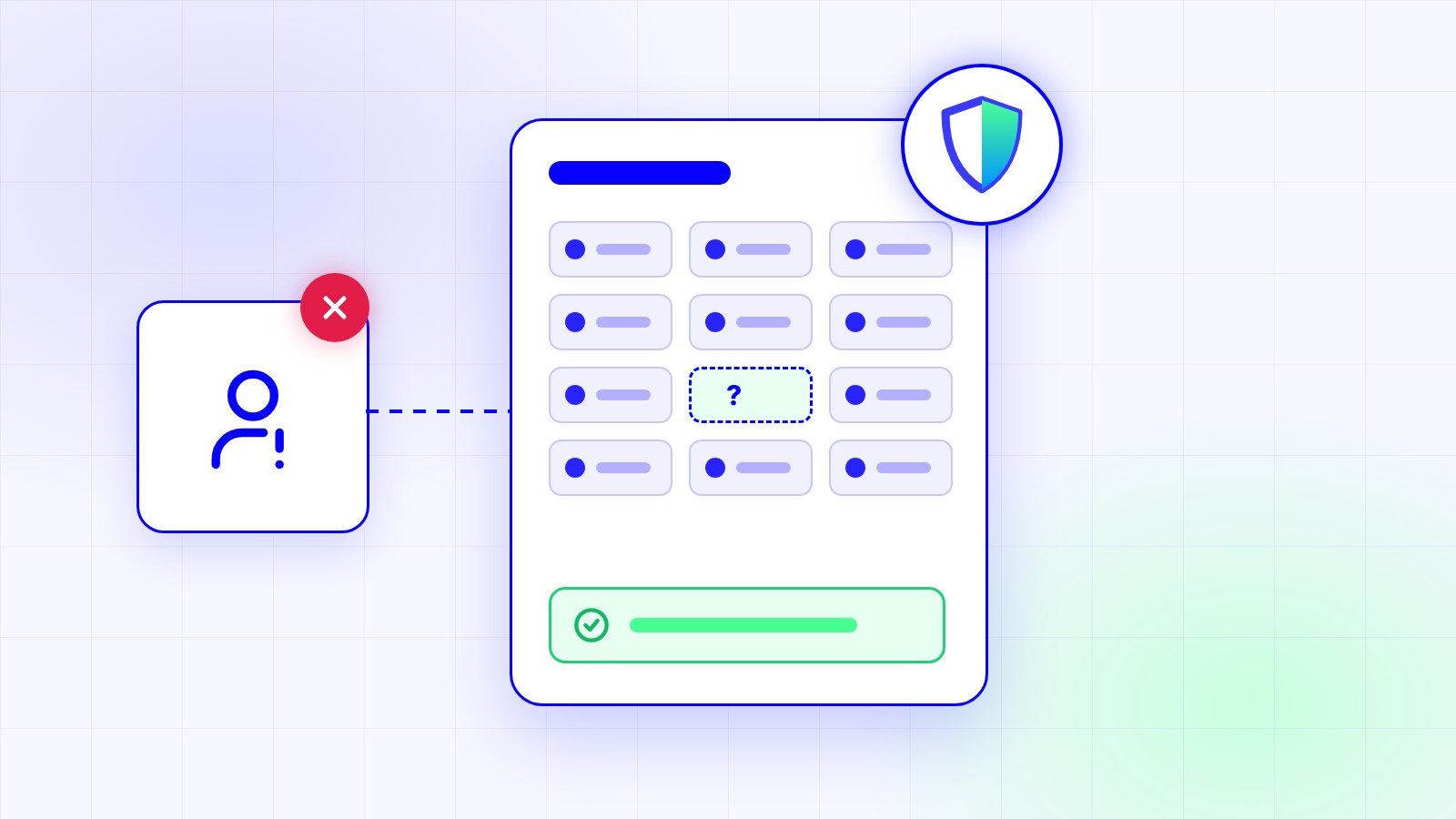
1. Lost Trust Wallet recovery phrase: why the company cannot "restore" your wallet
In a bank or on a crypto exchange your money sits in an account controlled by the company. Forget the password and the company checks your identity and lets you back in. Trust Wallet works differently. The wallet is created on your device, and all private keys for all networks are derived from one 12-word (sometimes 24-word) recovery phrase. Trust Wallet has no copy of that phrase and no server where your keys are stored.
Trust Wallet states this directly in its official help article: "If you lose your recovery phrase, there is no way to recover your wallet. Even Trust Wallet cannot help you regain access." Its support article on scams adds that the company cannot reverse, freeze or refund blockchain transactions.
Why "guessing" a lost phrase is impossible
A 12-word phrase is built from a list of 2,048 words. The number of possible phrases is about 2128, a 39-digit number. Even if every computer on Earth checked billions of phrases per second, the search would take far longer than the age of the universe. This is the same mathematics that protects every wallet, including yours. If someone could get around it for a fee, every crypto wallet in the world would be empty.
2. What is possible and what is not: 8 scenarios
Before you contact anyone, work out which of these situations is yours. Most real cases fall into the first five rows, and in those you can usually restore access yourself, for free.
Tap a situation to see what to do
YesForgot the app passcode, have the recovery phrase
YesLost or broken phone, have the phrase
YesLost the phrase, but the wallet still opens
YesEncrypted cloud backup (iCloud or Google Drive), remember its password
OftenPhrase is incomplete: one word missing, wrong order, a typo
SometimesForgot the cloud backup password
SometimesForgot the browser extension password, extension still installed
NoNo phrase, no backup, no device with the wallet open
Two notes on the "sometimes" rows. First, success depends entirely on how well you remember your own password: the search only works through your own likely variants, not through "all possible passwords". Second, the encrypted backup must still exist. Reinstalling, resetting the browser or deleting the cloud folder destroys the only thing that can be worked with.
3. A missing word or the wrong order: how partial recovery works
This is the one situation where "recovery" is honest mathematics rather than a promise. The recovery phrase follows the BIP-39 standard: the last word contains a checksum, so most random combinations are simply invalid. That sharply reduces the number of options.
- One word missing. There are only 2,048 candidates for one position, and a laptop checks them in seconds.
- Two words missing. About 4 million combinations: still realistic, especially if you know one of your addresses to compare against.
- Words in the wrong order. Realistic if the mix-up is small, such as two swapped words or a known block in the wrong place.
- A typo in a word. Usually easy, since only words from the BIP-39 list are valid.
Important: Trust Wallet's help centre says that even one missing or misplaced word makes recovery impossible, and from the company's side that is true: support cannot fill the gap for you. What is described here is different: you check a small number of variants yourself, and the phrase checksum rejects the wrong ones. Trust Wallet does not offer this as a service.
The search must always be done offline, on a computer without internet access, with open-source tools, ideally by you. Your known wallet address (it is public and safe to share) is used to confirm the right phrase. Your phrase itself should never be sent to anyone, not even in part.
4. How not to lose access: a checklist
Ten minutes now saves you from the situations above. If you hold a meaningful amount in Trust Wallet, go through this list today.
- Write the phrase on paper, by hand. No screenshots, no notes app, no photos, no email to yourself: these are the first places malware and phishing look.
- Make two copies and store them in two places. For larger sums, a steel plate survives fire and water.
- Test the backup. Import the phrase on a second device or after reinstalling, and check that the same addresses appear. Trust Wallet itself recommends this test.
- If you use the encrypted cloud backup, keep its password in a password manager. Trust Wallet cannot reset it, and the paper phrase remains your main backup.
- Install only from official sources. On 24 December 2025 a malicious version 2.68 of the Trust Wallet Chrome extension appeared in the Chrome Web Store. About $8.5 million was drained from 2,520 addresses. Trust Wallet released version 2.69 and began reimbursing victims, and scammers immediately launched fake "compensation" sites asking for recovery phrases, the same pattern as after the recent Binance incident.
- Separate wallets by purpose. A small hot wallet for everyday use, and a separate wallet or hardware wallet for savings.
- Plan for your family. Decide how a trusted person could access the funds if something happens to you, without keeping the phrase in plain view.
5. How to recognise "wallet recovery" scammers
People who have lost access are under stress and ready to pay. That makes them the ideal target. According to the FBI's Internet Crime Complaint Center report for 2025, as summarised by The Block, recovery fraud alone accounted for 10,516 complaints and about $1.4 billion in losses. Crypto fraud overall reached a record $11.4 billion.
They ask for your recovery phrase or private key. On a form, in a chat, "to sync", "to validate" or "to verify ownership". With the phrase, they do not need to recover anything: they simply take the funds.
They promise to restore a wallet without the phrase. This is mathematically impossible (see section 1).
They message you first. You complained on X, Reddit or in a Telegram chat, and a minute later "Trust Wallet support" or a "recovery expert" writes to you. Real support does not cold-message users.
They ask for an upfront fee. "Gas for unlocking", "a release fee", "a tax", "a deposit to prove you are the owner". After the first payment there is always a second.
They found you through a search result that looks official. Searching "Trust Wallet helpline" or "recover Trust Wallet" now brings up dozens of PDFs with phone numbers, uploaded through file forms on university and government websites. Trust Wallet does not have a phone hotline.
Other signs: pressure and deadlines ("your wallet will be deleted in 24 hours"), talk of "blockchain hackers" or "special software", fake compensation forms after news of an incident, and screenshots of "successful recoveries" with no verifiable details. If you need Trust Wallet support, open it only from inside the app or by typing trustwallet.com into the address bar yourself.
6. If you have already shared your phrase or lost funds
Act fast, because whoever has the phrase can move the funds at any moment:
- Create a new wallet on a clean device, with a new phrase.
- Move everything that is left from the old wallet to the new one. Do not use the old address again.
- Revoke token approvals on the old address with revoke.cash or the approval checker of a block explorer.
- Save the evidence: transaction hashes, the scammer's addresses (you can check an address for links to scams), chats, websites and payment details.
- Report it to the police or the cybercrime unit of your country (in the US, ic3.gov). If the stolen funds reached a centralised exchange or are held in a stablecoin, law enforcement can sometimes request a freeze.
- Ignore anyone who offers to "get it back" for a fee. This is the second wave of the same scam.
EDITORIAL TEAM RECOMMENDATION
An honest specialist will first ask which of the situations in section 2 applies to you, and will tell you straight away if nothing can be done. A scammer will say that everything can be fixed, quickly, and for a fee paid in advance. That difference is the simplest test.
7. USDT in Trust Wallet will not send: it may be frozen
Sometimes the wallet opens normally but USDT will not move: the transaction fails or the app shows an error. Besides a lack of TRX or ETH for network fees, there is a less obvious reason: the stablecoin issuer can add an address to its blacklist. Tether can freeze USDT on any address at the smart-contract level, and in that case the problem is not with Trust Wallet and cannot be solved in the app. The freeze is visible on the blockchain, so the status of an address can be checked.
This is an area where outside help is genuinely useful. It is not about "unlocking" a wallet, but about finding out why the address was frozen and preparing documents on the origin of the funds for the issuer. In the same way, if your funds are stuck in a restricted account on a centralised exchange, that is a compliance case with a procedure, not a lost key.
Specialists at Reclaim Capital help in situations where there is a procedure to follow:
A free check of whether a USDT address is frozen, and an analysis of the likely reason based on on-chain data.
Preparing Source of Funds documents and the request to the stablecoin issuer or the exchange.
Support with restricted accounts on centralised exchanges (KYC, Source of Funds, withdrawal limits). Terms are discussed individually.
We do not restore wallets with a lost recovery phrase, because that is not possible. If your case is one of the "yes" rows in section 2, you can solve it yourself using the steps above.
USDT frozen or exchange account restricted?
We will check the address status and the likely reason for the restriction. The check is free, and terms of further work are discussed individually.
Frequently asked questions
Can I recover Trust Wallet without the recovery phrase?
Can Trust Wallet support restore my wallet?
I forgot my Trust Wallet passcode. What should I do?
Is it possible to recover a recovery phrase with one missing word?
How do I recognise a fake Trust Wallet support agent?
Why won't my USDT send from Trust Wallet?
This article was prepared by the Reclaim Capital Editorial Team. We specialise in special situations in complex jurisdictions, distressed crypto assets and the protection of creditors' rights.
Please note: this publication is for information only and is not legal or technical advice. Facts about how Trust Wallet works are based on Trust Wallet's official help materials as of October 2026. Data on the December 2025 extension incident is from Trust Wallet's public statements, and fraud statistics are from the FBI IC3 report for 2025. Reclaim Capital is not affiliated with Trust Wallet.
Contact us: @ReclaimCapital

